Every win leaves as a GIF.
Free for everyone, on every tier. Drop it in the team channel, or don't.
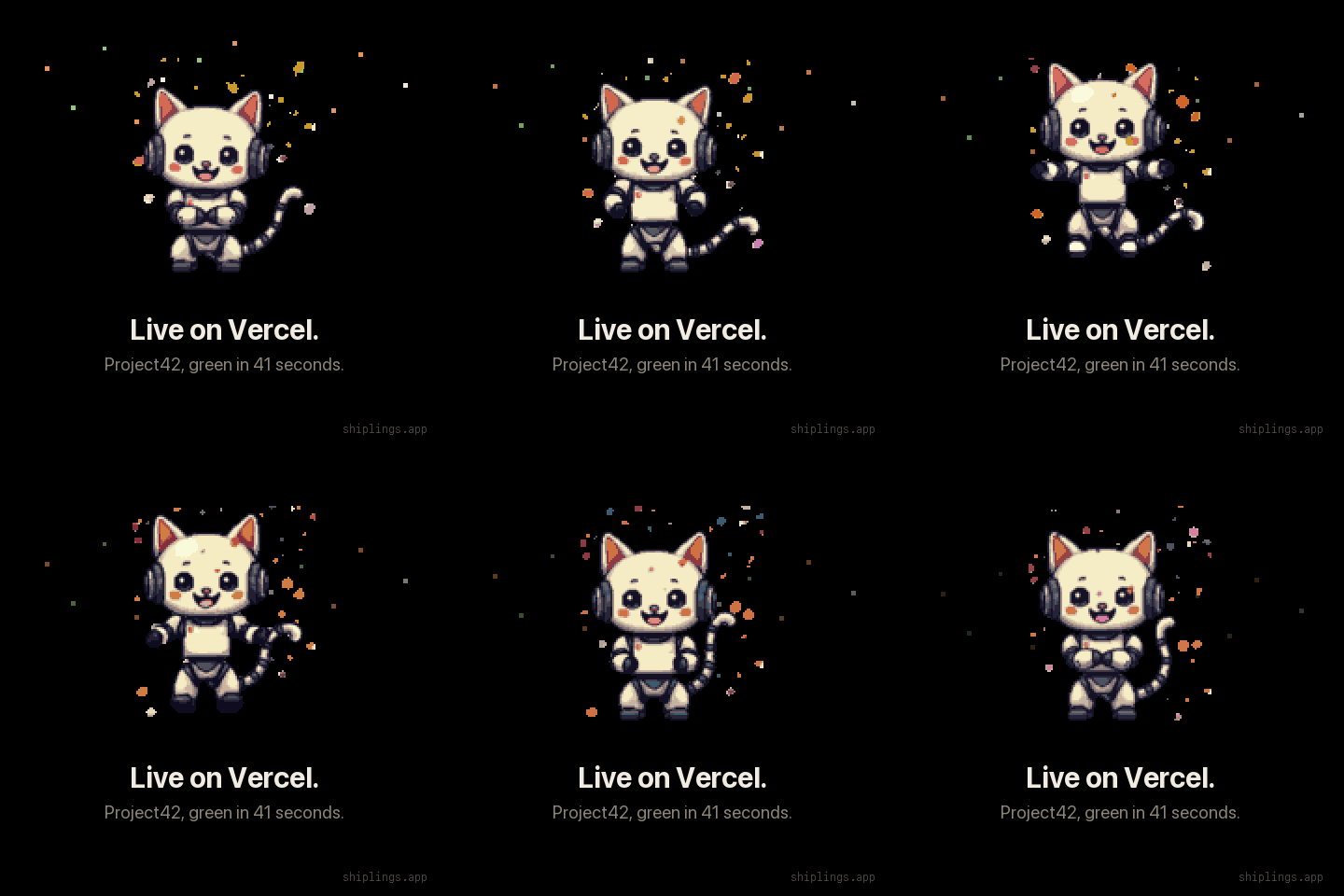
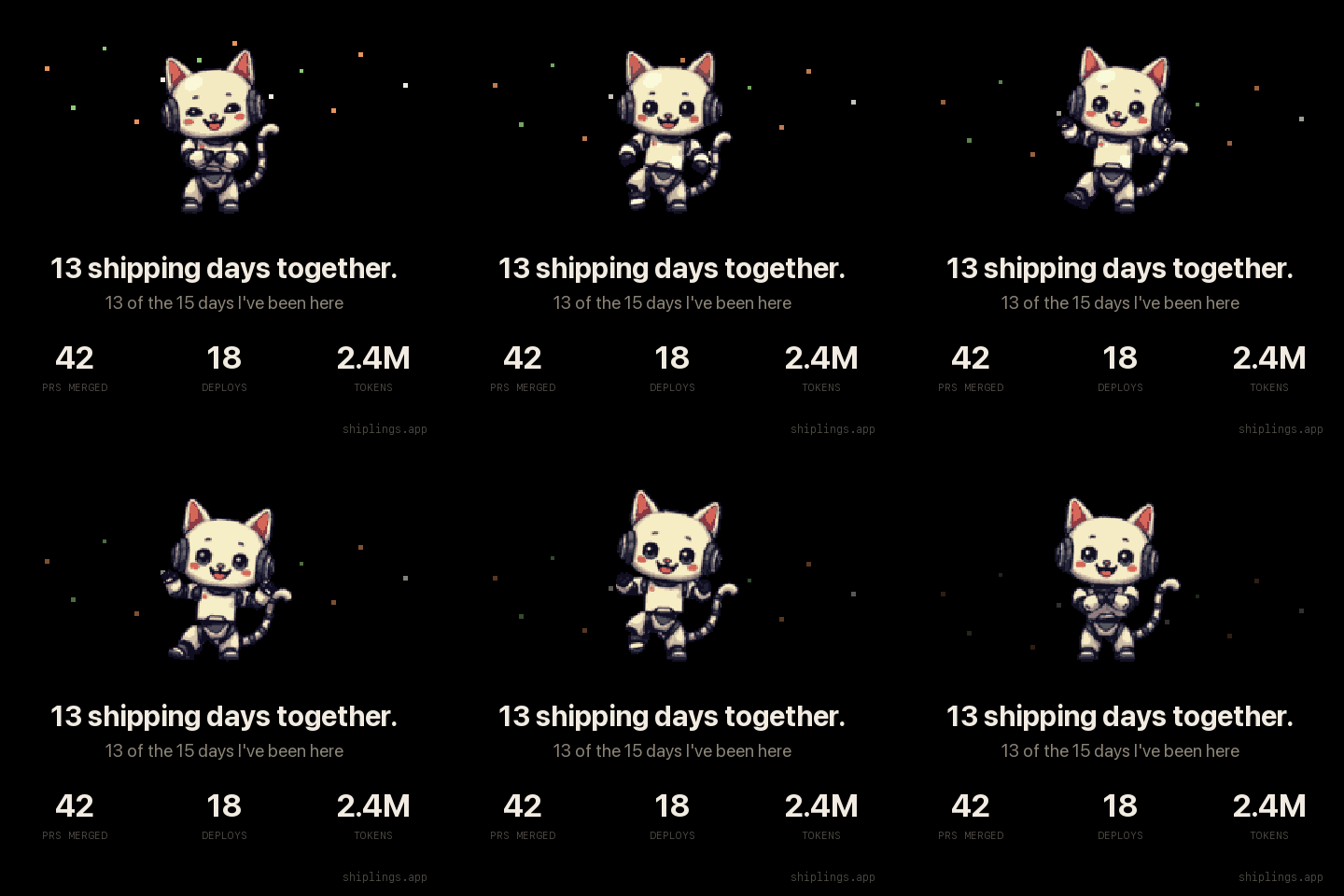
Shiplings is a small character in the corner of your screen. It watches Claude Code, Codex, Cursor, your pull requests and your deploys, and it speaks only when one of them actually needs you.
Free forever. No account needed. macOS 14 and later, Apple silicon and Intel.
the toolbox
One small pill that rides above the character, or anywhere else you drag it. Without opening anything, it answers the three questions you would otherwise go and check, and it holds the two things you actually do about them.
the toolbox · 312 pt · draggable
Three levels, built to be as small an interruption as each moment deserves. Level one is only an animation, silent: look at it and you know, ignore it and nothing has happened. Level two is the one that earns a notification, because an agent needs you or a build went wrong and that genuinely wants your attention. Level three is the celebration, there for no reason except that shipping felt good and you should want to do it again.
quota
Claude Code and Codex both know how much of your plan you've used, and neither mentions it until you hit the wall. Open the menu bar menu and each one gets a gauge: every window of your plan, what's left of it, and when it starts over.
Every window your plan has, as the agent reports it, down to Claude's weekly limit for a single model. Cursor doesn't report one yet, so it gets no gauge.
Shiplings asks Claude Code and Codex the way their own screens do. It never sees a token, and asking spends none of your plan.
Orange under 20%, red under 5%, and never a pop-up counting you down. A companion that nags about your quota gets uninstalled.
sessions
You name a stretch of work. Shiplings v2. You drag the projects it covers into it. After that nothing is asked of you again: the tokens, the runs and the days were already being watched. You draw the line, it does the counting.
A million Opus tokens and a million Haiku tokens are not the same story, so the line carries the model.
Days that saw work, not the calendar span. A session open for a fortnight with four working days in it is four days.
A project you were seen working in belongs to nothing until you put it somewhere. A wrong guess here files a week of work under the wrong name.
permissions
Features were designed around that list rather than the other way round. It reads your own agent's log files and calls the APIs you connected. For the plan gauges it asks Claude Code and Codex themselves, under their own sign-in. Tokens sit in the macOS keychain, read only. There's no server and no account, so nothing about your work leaves your Mac.
Free for everyone, on every tier. Drop it in the team channel, or don't.
price
0 forever
12.99 € early bird, then 19 €
One payment, no subscription, no account. The licence is verified offline, so the app never phones home. Wondering what "every future update" is going to mean? The roadmap is public, and so is everything that has shipped so far.
Claude Code, Codex and Cursor. Claude Code and Cursor are each connected in one click, which writes hooks into your own settings and removes them just as cleanly. Codex needs no configuration at all: Shiplings reads the session files it already writes, so the CLI, the ChatGPT app and the Codex extension inside Cursor all work the same way.
One difference worth knowing: Cursor emits no signal when its agent is waiting for you, so a Cursor session shows as working and finished but never turns orange. Claude Code and Codex do call you. The app says this in Settings rather than leaving you to wonder.
Nothing about your work. There is no server and no account, and the licence is checked offline. Shiplings reads your own agent's log files and calls only the APIs you connected yourself. For the plan gauges it asks Claude Code and Codex, which check with Anthropic and OpenAI under your own sign-in, exactly as they do while you use them.
Yes, for Claude Code and Codex, free. The menu bar menu shows a gauge for each window of your plan (five hours, the week, and Claude's weekly limit for one model) with what's left and when it resets. The figures come from the agents themselves, so they include what you used on the web or on another machine. Cursor doesn't report its quota yet.
It stays under one percent of a CPU. Frames are cached and swapped rather than redrawn, and it polls your deploy providers on a slow cadence that only speeds up while something is actually in flight.
Sessions: what each stretch of work you name cost, broken down by project and by model, and the recap card that closing one produces. Plus every character as they are drawn, and every future update. The free app keeps working forever either way.
macOS 14 and later, on Apple silicon and Intel.